
Master iOS App Development with Live Online Classes
Learn to design, build and deploy professional iPhone and iPad applications through live online classes, hands-on coding and practical projects. Master Swift, SwiftUI, Xcode, UIKit, Firebase, REST APIs and modern Apple application development workflows.
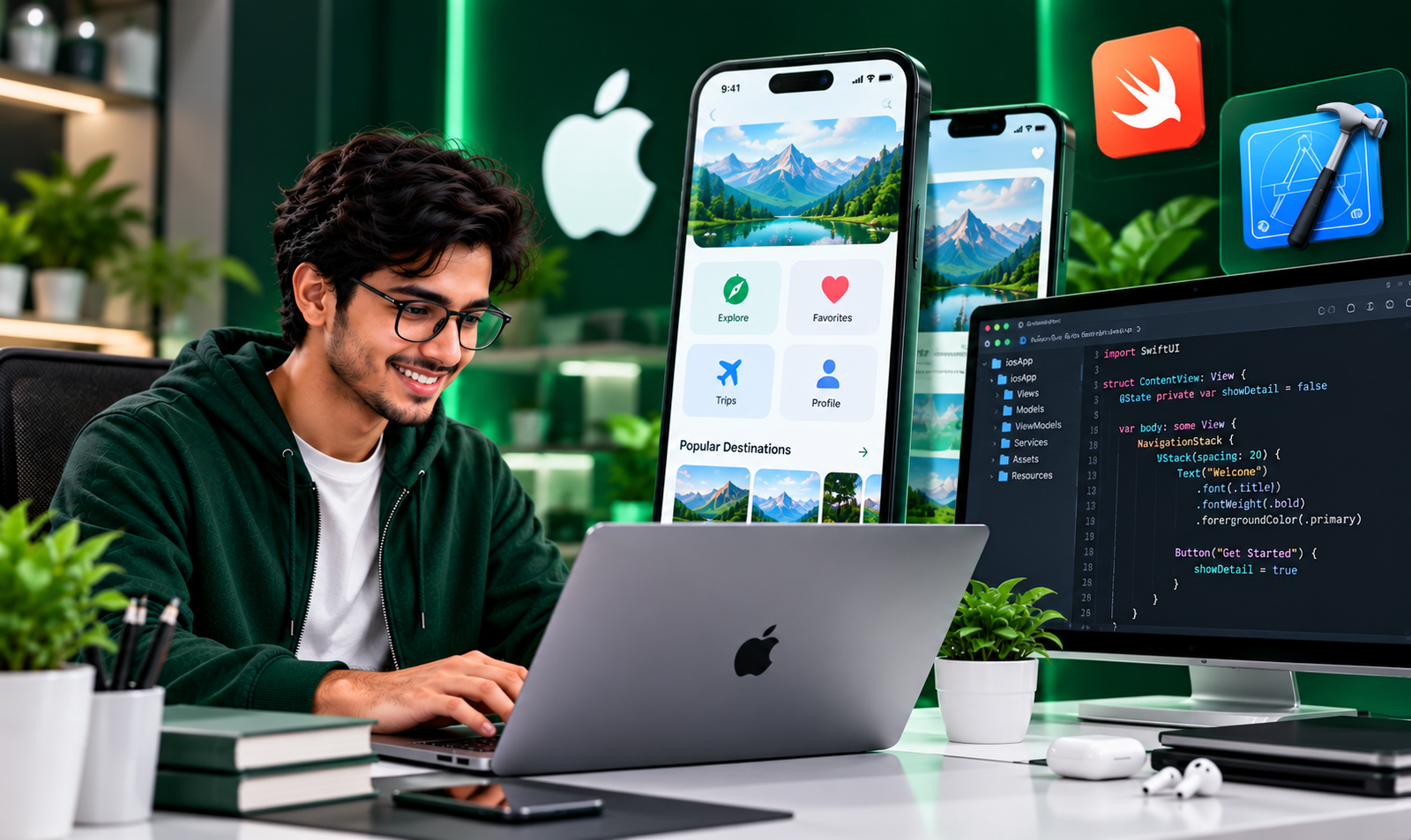
Learn through instructor-led online classes and practical coding demonstrations.
Build functional iOS applications and strengthen your portfolio.
Work with Swift, SwiftUI, Xcode and modern iOS frameworks.
Develop practical skills for native iOS development opportunities.
Become a Skilled iOS App Developer.
iOS development focuses on creating
native applications for Apple's
iPhone and iPad platforms.
Our iOS App Development course covers
Swift programming, SwiftUI, UIKit,
navigation, application architecture,
networking, local storage and
Firebase integration.
Learn to build interactive,
responsive and well-structured
applications through hands-on
coding exercises and practical projects.
Skills You'll Master
Build practical knowledge of native iOS development using Swift and Apple's development frameworks.
Swift Programming
Learn variables, functions, optionals, collections, protocols, classes and object-oriented programming.
SwiftUI Development
Build modern declarative interfaces using views, stacks, lists, modifiers, forms and reusable components.
Navigation & Architecture
Develop multi-screen applications, understand state management and implement MVVM architecture.
UIKit & iOS Frameworks
Understand UIKit fundamentals, view controllers, application lifecycle and native Apple platform features.
Firebase & REST APIs
Connect applications with REST APIs, integrate authentication and manage cloud data using Firebase.
Testing & App Deployment
Learn debugging, testing, code signing, app builds and App Store submission workflows.
Technologies You'll Work With
Explore essential programming tools, frameworks and services used in modern iOS development.
iOS Development Syllabus
A structured learning roadmap covering Swift fundamentals, modern iOS UI development, data integration and deployment.
Module 01 — Swift Programming Fundamentals
- Introduction to Swift
- Variables, constants and data types
- Operators and conditional statements
- Loops and functions
- Arrays, dictionaries and sets
- Optionals and error handling
- Classes, structures and protocols
Module 02 — Introduction to iOS & Xcode
- Introduction to the Apple ecosystem
- Xcode installation and setup
- Creating your first iOS project
- Project structure and assets
- iOS Simulator
- Application lifecycle
- Debugging fundamentals
Module 03 — SwiftUI & Interface Development
- Introduction to SwiftUI
- Text, Image and Button views
- VStack, HStack and ZStack
- Lists and ScrollView
- Forms and text fields
- Reusable components
- Responsive layouts and themes
Module 04 — Navigation & State Management
- NavigationStack and navigation paths
- Tab-based navigation
- Passing data between views
- State and Binding
- Observable models
- MVVM architecture
- Managing application state
Module 05 — Networking & REST APIs
- Introduction to HTTP and REST
- GET and POST requests
- URLSession fundamentals
- JSON parsing with Codable
- Async/await programming
- API error handling
- Loading and empty states
Module 06 — Local Storage & Firebase
- UserDefaults fundamentals
- SwiftData introduction
- Core Data overview
- Firebase project setup
- Firebase Authentication
- Cloud Firestore
- Firebase Storage basics
Module 07 — Advanced iOS Development
- UIKit fundamentals
- Animations and transitions
- Camera and photo library access
- Push notifications overview
- Permissions and privacy
- Unit and UI testing
- Performance optimization
Module 08 — Final Projects & App Store Deployment
- Build a complete iOS application
- Integrate APIs and local storage
- Application testing and debugging
- Code signing fundamentals
- App Store Connect introduction
- TestFlight distribution overview
- App Store submission process
- GitHub portfolio preparation
Build Real-World iOS Applications
Strengthen your Swift and iOS development skills through hands-on mobile application projects.
Task Management iOS App
Create and manage daily tasks, build SwiftUI screens, implement task status updates and store data locally.
E-Commerce iPhone App
Build product listings, product detail screens, shopping carts and API-connected interfaces.
Firebase Chat Application
Develop authentication, real-time messaging and cloud-connected features using Firebase.
Build Your Career in iOS App Development.
iOS development skills can help
you prepare for native mobile
development opportunities
in technology companies,
startups and freelance projects.
Build a portfolio of SwiftUI
applications, strengthen your
programming fundamentals
and prepare for entry-level
mobile engineering roles.
Questions About the Course
Is iOS development suitable for beginners?
Do I need a Mac for iOS development?
What is the difference between Swift and SwiftUI?
Will I build practical iOS projects?
Can I publish my application on the App Store?
What career opportunities can I explore?
Ready to Build Your First iOS Application?
Explore iOS App Development training with Placify India and develop practical native mobile development skills.