
Master Android App Development with Live Online Classes
Learn to design, build and deploy modern Android applications with live online training, practical coding sessions and real-world projects. Master Kotlin, Java, Android Studio, Jetpack Compose, Firebase, REST APIs and modern Android development practices.
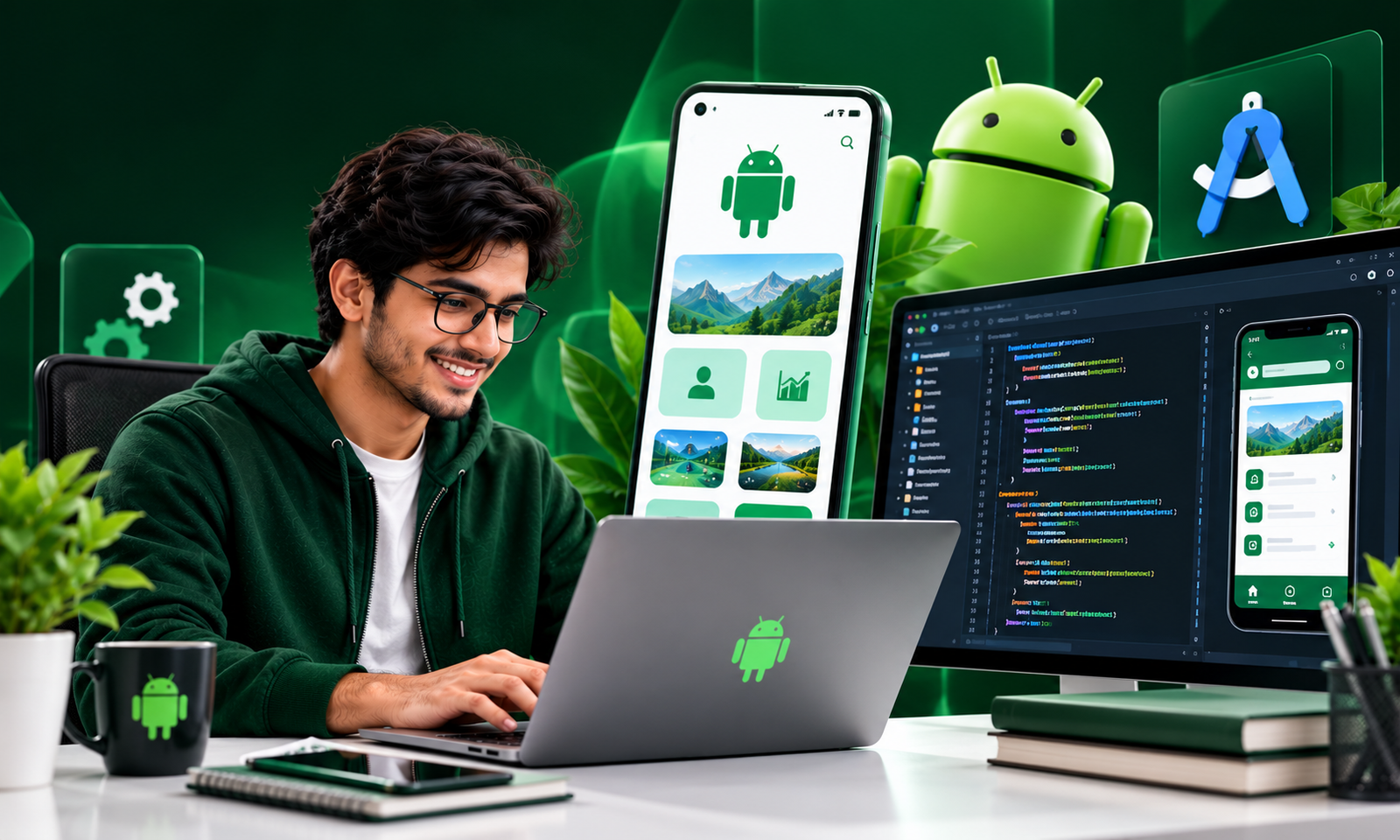
Learn through interactive sessions and practical demonstrations.
Build functional Android applications for your portfolio.
Work with Kotlin, Android Studio, Firebase and Jetpack Compose.
Strengthen Android development skills and technical interview knowledge.
Become a Skilled Android App Developer.
Android development enables you to create
mobile applications for one of the world's
most widely used mobile operating systems.
Our Android Development course covers
programming fundamentals, Kotlin,
Android Studio, UI design, Jetpack Compose,
navigation, databases, Firebase
and REST API integration.
Gain practical experience developing
mobile applications through coding exercises,
hands-on assignments and portfolio projects.
Skills You'll Master
Learn essential Android development concepts and build practical mobile programming skills.
Kotlin & Java Programming
Understand programming fundamentals, object-oriented programming, collections and asynchronous operations.
Android UI Development
Create modern mobile interfaces using Jetpack Compose, Material Design and Android layout fundamentals.
Navigation & Architecture
Learn navigation, activities, ViewModel, MVVM architecture and application lifecycle concepts.
Databases & Storage
Manage application data using Room Database, DataStore and local persistence techniques.
Firebase & REST APIs
Integrate Firebase Authentication, Firestore and remote APIs using Retrofit and Kotlin coroutines.
Testing & Deployment
Learn application debugging, testing, build generation and Google Play publishing workflows.
Technologies You'll Work With
Gain exposure to modern tools and frameworks used in professional Android development.
Android Development Syllabus
A structured curriculum covering Android fundamentals, Kotlin programming, modern app architecture and deployment.
Module 01 — Kotlin & Java Fundamentals
- Introduction to Kotlin and Java
- Variables, data types and operators
- Conditions and loops
- Functions and collections
- Object-oriented programming
- Null safety and exception handling
Module 02 — Android Studio & Android Fundamentals
- Introduction to Android development
- Android Studio installation
- Android SDK and emulator setup
- Project structure and Gradle
- Activities and lifecycle
- Running applications on devices
Module 03 — Android UI Development
- Android UI fundamentals
- Jetpack Compose introduction
- Composable functions
- Text, buttons, images and input fields
- Rows, columns and lazy lists
- Material Design components
- Responsive layouts and themes
Module 04 — Navigation & State Management
- Navigation between screens
- Navigation Compose
- State and recomposition
- ViewModel fundamentals
- MVVM architecture
- StateFlow and UI state
Module 05 — REST APIs & Networking
- Introduction to REST APIs
- HTTP methods and JSON
- Retrofit setup
- GET and POST requests
- Kotlin coroutines
- Loading and error states
Module 06 — Database & Firebase
- Local storage fundamentals
- Room Database
- DataStore preferences
- Firebase project setup
- Firebase Authentication
- Cloud Firestore
- Firebase Storage basics
Module 07 — Advanced Android Development
- Runtime permissions
- Camera and image picker
- Push notifications
- Background tasks with WorkManager
- Dependency injection fundamentals
- Performance optimization
- Unit and UI testing basics
Module 08 — Final Project & Deployment
- Build a complete Android application
- Integrate APIs and databases
- Debugging and testing
- Generate APK and Android App Bundle
- App signing fundamentals
- Google Play publishing overview
- GitHub portfolio preparation
Build Real-World Android Applications
Apply your Android development skills through hands-on projects and practical assignments.
Task Manager App
Build a task management application with task creation, editing, completion status and Room Database.
E-Commerce Android App
Create product listings, product detail screens, shopping carts and API-connected mobile interfaces.
Firebase Chat App
Develop user authentication, real-time messaging and cloud-connected features using Firebase.
Build Your Career in Android App Development.
Android development skills can help you
prepare for mobile engineering opportunities
in software companies, startups
and freelance projects.
Strengthen your Kotlin knowledge,
build a portfolio of Android applications
and practice technical concepts
for entry-level developer roles.
Questions About the Course
Is Android development suitable for beginners?
Will I learn Kotlin and Java?
What is Jetpack Compose?
Will I build practical Android projects?
Can I publish my application on Google Play?
What career roles can I explore?
Ready to Build Your First Android Application?
Explore Android App Development training with Placify India and develop practical native mobile development skills.