
Master UI/UX Design with Live Online Classes
Build job-ready UI/UX design skills with interactive live online classes, practical assignments, real-world projects and industry-standard design tools. Learn Figma, wireframing, user research, prototyping, design systems and more from anywhere.
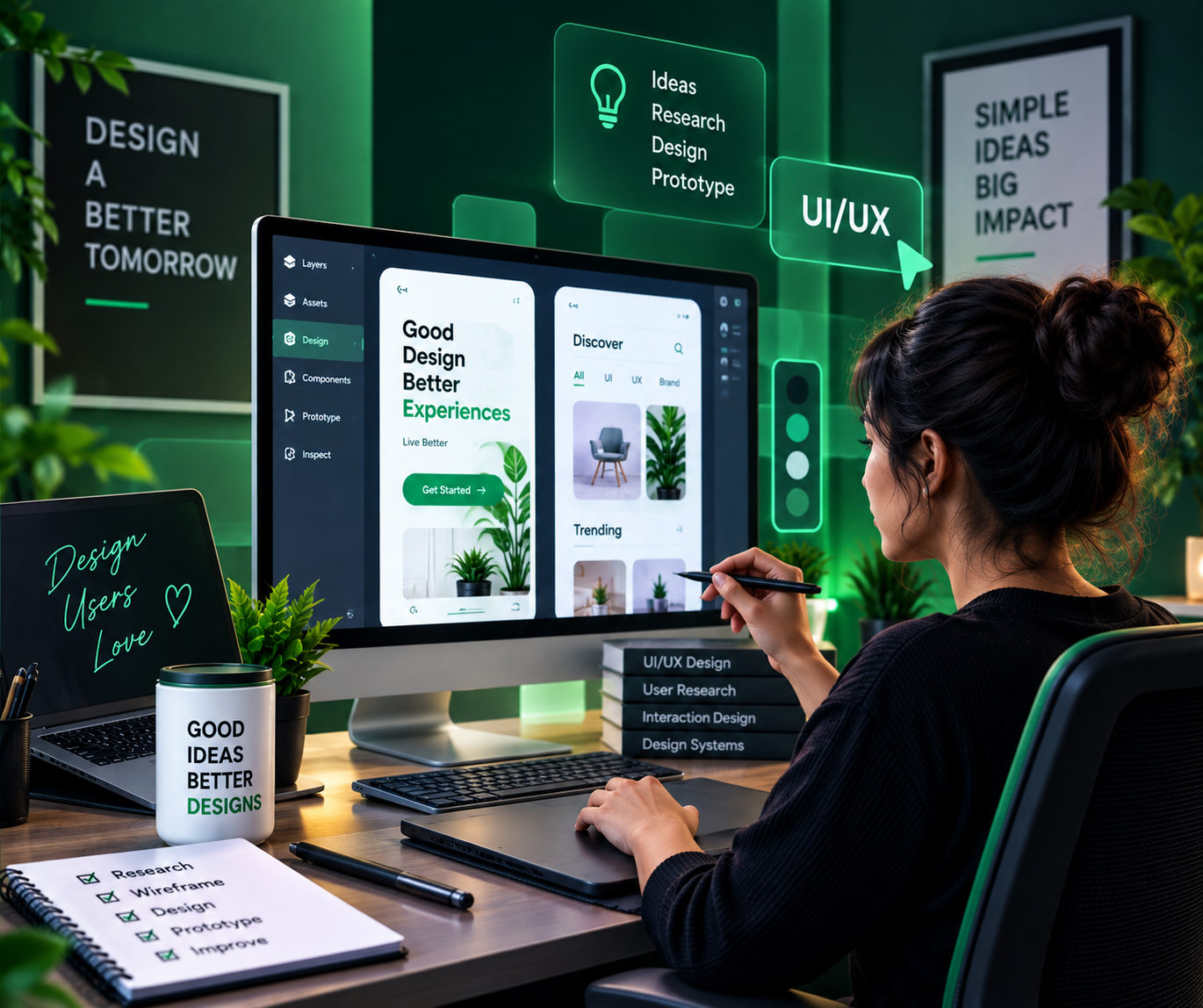
Learn UI/UX Design the Practical Way
This online UI/UX design course is designed to combine live instructor support with hands-on learning, so you can understand the concepts and apply them to real design projects.
Live Online Classes
Attend interactive sessions, ask questions in real time and learn directly from your trainer.
Hands-On Practice
Work through practical exercises and design scenarios instead of learning only from theory.
Industry-Standard Tools
Explore professional design tools like Figma for wireframing, prototyping and design systems.
Career Preparation
Build a stronger profile with resume support, interview preparation and practical portfolio guidance.
From Live Class to Real-World Skills
Our learning approach is built around a simple cycle: learn the concept, see it in action, practise it, get feedback and improve.
Join Live Instructor-Led Classes
Learn concepts step by step with interactive online sessions and guided demonstrations.
Practise with Assignments
Apply each topic through structured assignments, exercises and design-based tasks.
Build Real-World Projects
Create practical work around wireframes, prototypes, UI screens and design systems.
Get Feedback & Improve
Use mentor feedback to refine your wireframes, prototypes, visuals and design decisions.
Prepare for Your Next Step
Work on your profile, resume, interview skills and practical confidence for career opportunities.
Learn the UI/UX Design Skills Employers Look For
Explore the core areas covered in the online live UI/UX design training program. The exact sequence can be adapted by batch and trainer.
UI/UX Design Fundamentals
- Design thinking process
- UX vs UI basics
- User-centered design principles
- Design terminology & workflow
- Competitor & product research
User Research
- User interviews & surveys
- Personas & user journeys
- Empathy mapping
- Research synthesis
- Usability testing basics
Wireframing & Information Architecture
- Low-fidelity wireframes
- Information architecture & sitemaps
- User flows
- Content hierarchy
- Sketching techniques
Visual Design Principles
- Typography fundamentals
- Color theory & palettes
- Layout & grid systems
- Visual hierarchy
- Iconography & imagery
Figma Mastery
- Figma interface & tools
- Frames, components & auto layout
- Styles & variables
- Collaboration features
- Plugins & workflow tips
Prototyping & Interaction Design
- High-fidelity prototypes
- Micro-interactions & animation
- Interactive components
- Prototype testing
- Handling states & transitions
Design Systems & UI Kits
- Building design systems
- Component libraries
- Design tokens
- Consistency & scalability
- Documentation practices
Usability Testing
- Test planning
- Moderated vs unmoderated testing
- Analyzing feedback
- Iteration based on insights
- Accessibility basics
Mobile & Responsive Design
- Mobile-first design
- Responsive layouts
- Platform guidelines (iOS/Android)
- Adaptive components
- Cross-device consistency
Design Handoff & Collaboration
- Developer handoff
- Design specs & annotations
- Working with dev teams
- Version control for design
- Design QA
Freelancing & Client Handling
- Finding clients
- Proposal basics
- Client communication
- Presenting design work
- Personal branding
Career & Interview Preparation
- Portfolio building
- Case study writing
- Interview questions
- Practical task preparation
- Career roadmap
Get Familiar with Modern Design Tools
Learn the purpose and practical use of platforms commonly used across wireframing, UI design, prototyping, research and design system workflows.
Build a Portfolio You Can Talk About
Strengthen your understanding with project-based learning across multiple UI/UX design areas.
User Research Report
Conduct user interviews, build personas, map user journeys and summarize research insights.
Wireframe & Prototype
Design low-fidelity wireframes and turn them into an interactive high-fidelity prototype.
Mobile App UI Design
Design a complete mobile app interface with consistent visual style and interaction patterns.
Design System
Build a reusable component library with styles, tokens and documentation guidelines.
Website Redesign Case Study
Audit an existing website, identify usability issues and redesign key screens with rationale.
Usability Testing Report
Plan and run a usability test, analyze findings and present recommendations for improvement.
Learn How AI Can Make Design Work Faster
Understand where AI can support designers—from brainstorming and content workflows to research, documentation and productivity—while keeping user needs and design judgment at the centre.
Ideas
Generate and refine design concepts faster.
Content
Support UX copy drafts, briefs and content structures.
Research
Organize insights and support research synthesis.
Productivity
Build repeatable workflows for daily design work.
Where Can UI/UX Design Take You?
Build skills that can support different career directions across agencies, product companies, startups and freelance work.
UI Designer
Focus on visual design, interface layouts, design systems and component libraries.
Interface DesignUX Designer
Work with user flows, wireframes, prototypes and end-to-end product experience.
Experience DesignUX Researcher
Plan studies, conduct interviews, run usability tests and synthesize insights.
User ResearchFreelance Designer
Build your portfolio and explore project-based design work for businesses and clients.
FreelancingUI/UX Design Course Certificate
Showcase your learning journey with a course completion certificate and a portfolio of practical work.
Go Beyond the Classroom
Get guidance that helps you prepare for the next step after your training.
Structure your skills and project work clearly.
Practise common UI/UX design concepts and scenario-based questions.
Present practical work in a more professional way.
Receive career guidance and support during your job search journey.
What Learners Look For in a Live Course
Use this section for your verified student reviews and actual learner feedback.
“The live format made it easier to ask questions and understand each topic step by step. The practical work helped me connect the concepts with real design tasks.”
“I wanted to learn Figma and prototyping in a structured way. The combination of live classes, assignments and project practice made the learning process more engaging.”
“The design systems part of the course helped me understand how modern product teams work and how to build components that scale.”
Ready to Learn UI/UX Design Online?
Talk to our team to learn about the next live batch, class schedule, course structure and enrolment process.
Learn. Practise. Design. Grow.
Join a live online UI/UX design learning experience focused on practical skills, modern tools, design systems and career preparation.
Frequently Asked Questions
Everything you need to know before joining the online live UI/UX design course.